Why Professional Headshots Increase LinkedIn Engagement
8 April 2026 · 6 min read
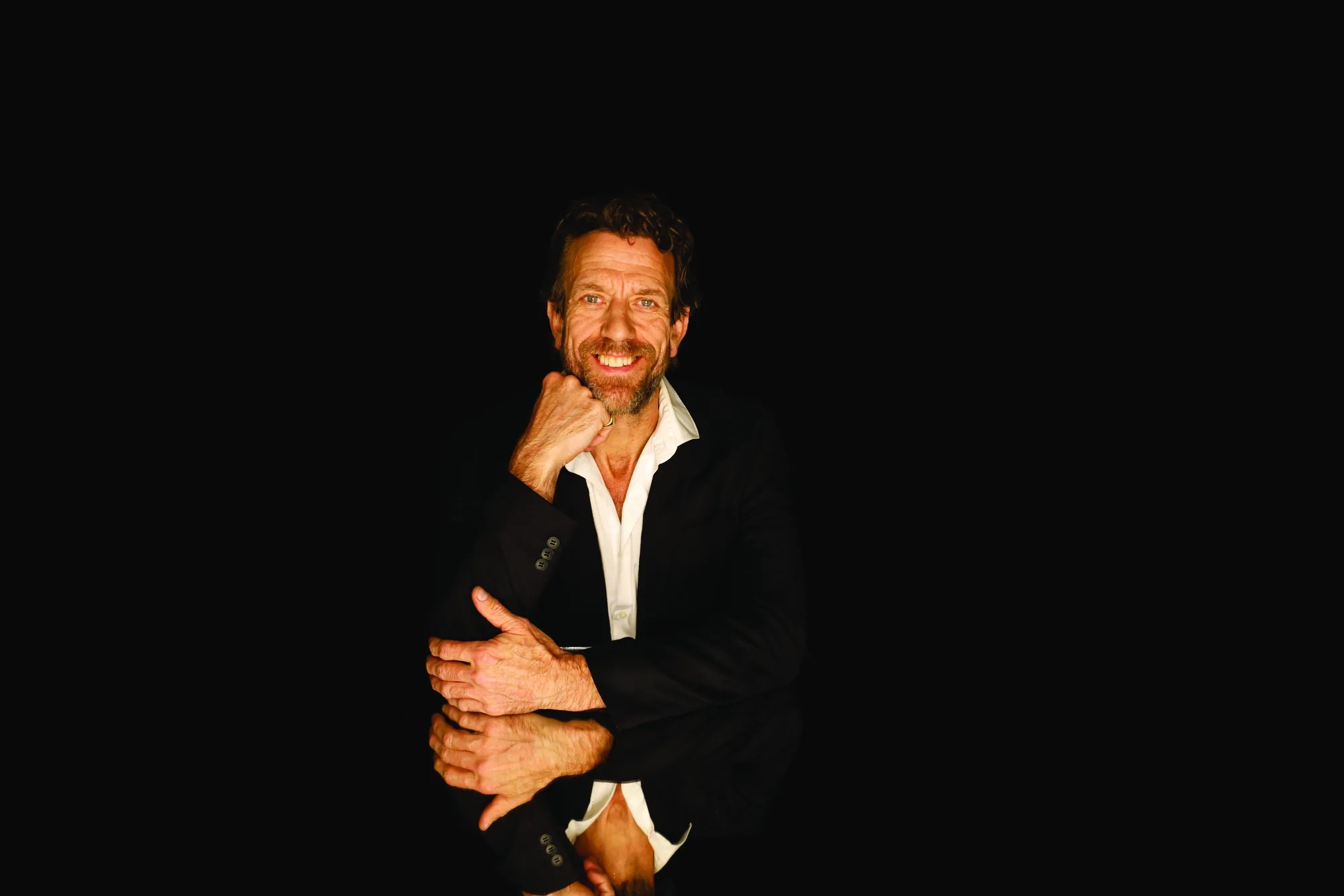
On LinkedIn your photo is never just on your profile. It sits next to every comment you post, every message you send, every search result you appear in and every job you apply for. That makes it one of the highest-leverage images you own.
A professional headshot is not vanity on LinkedIn — it is infrastructure. It shapes the first judgement people make about you before they read a single word, and that judgement decides whether they engage with you at all.
First impressions happen in milliseconds
People form a judgement about a face almost instantly — competence, trustworthiness and approachability are read in a fraction of a second. On LinkedIn that judgement happens before anyone reads your headline or your experience.
A clear, well-lit, professionally shot headshot signals that you take your professional presence seriously. A dark selfie, a cropped wedding photo or an empty grey avatar signals the opposite, and it does so every single time your name appears.
It affects real, measurable outcomes
- Connection requests are more likely to be accepted when the profile looks complete and professional
- Direct messages are more likely to be opened when they come from a credible-looking sender
- Recruiters are more likely to shortlist a profile that reads as established and current
- Your comments carry more weight in a feed when the photo beside them looks professional
- Speaking, podcast and partnership invitations often start with someone scanning your profile photo first
What actually makes a headshot work on LinkedIn
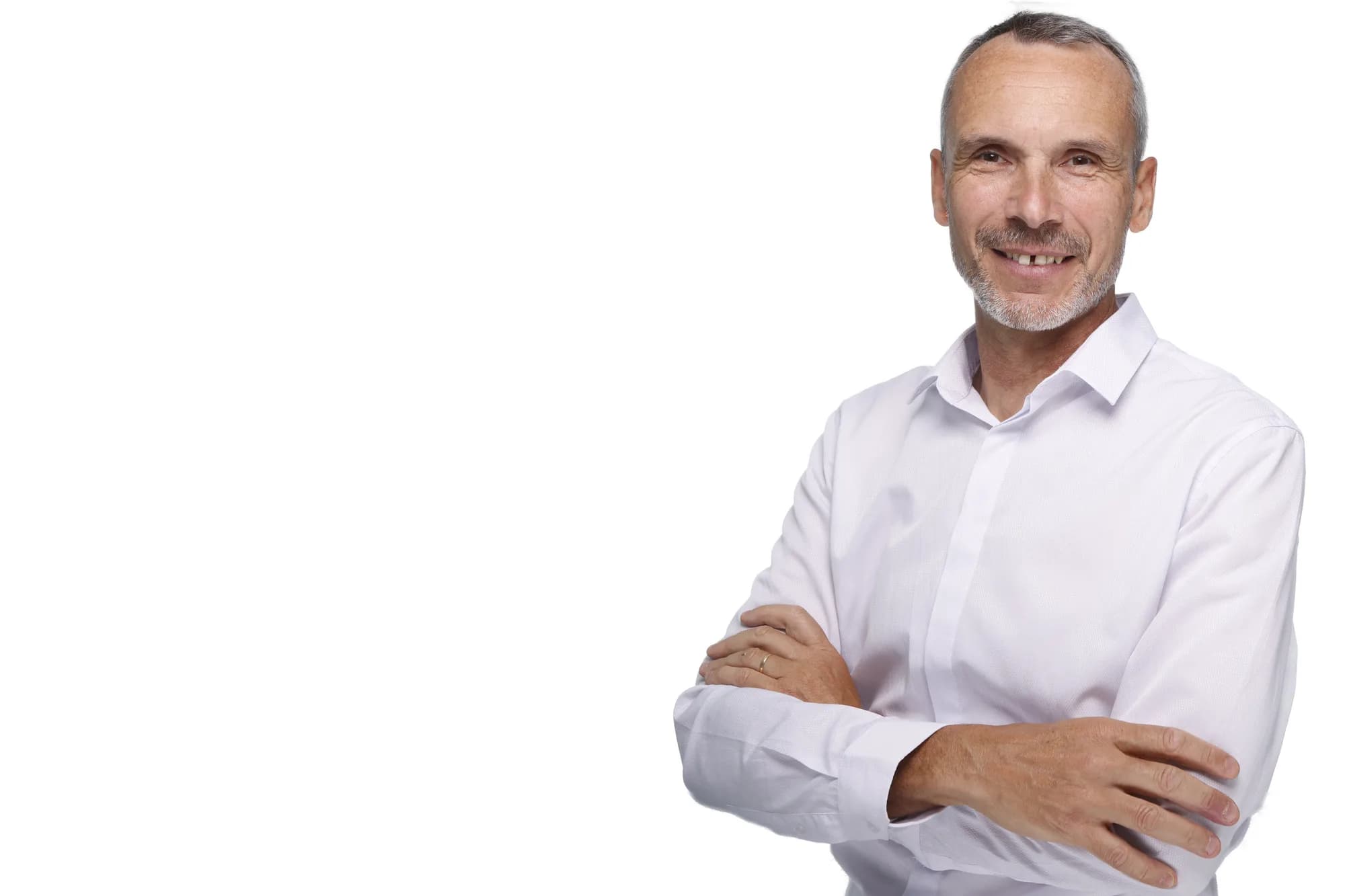
LinkedIn displays your photo small and in a circle, often at thumbnail size in a feed. A headshot that works on the platform is framed tightly on the face — head and shoulders, not a full-length shot where your face becomes a dot.
It is well lit, with even light on the face and no harsh shadows. It uses a clean, uncluttered background so nothing competes with you at small sizes. And the expression is approachable rather than stern, because LinkedIn is a networking platform, not a passport office.
Colour helps too. A mid-to-dark outfit against a lighter background keeps your outline defined inside that small circle, so you still read clearly at the size most people actually see you.
The common mistakes
- Using a cropped group photo — the lighting, angle and stray arm always show
- A phone selfie shot from below, which distorts proportions and reads as casual
- A photo more than a few years out of date, so you do not match in person
- A busy background — a bookshelf, a bar, a holiday view — that clutters the thumbnail
- Sunglasses, heavy filters or extreme crops that hide the face people are trying to recognise
How often to update it
Update your headshot when you change roles, when your appearance changes meaningfully, or every two to three years regardless. People should recognise you from your photo when they meet you, and an out-of-date image quietly undercuts the trust the photo is meant to build.
If your role involves business development, hiring or any kind of public profile, treat the headshot as a working asset and keep it current. A LinkedIn-optimised crop is included in the Professional headshot session, so you can update the platform and your website in one sitting.
Pair the headshot with the rest of your profile
A strong headshot does more when the profile around it matches. A simple banner image, a clear headline and a consistent look across your headshot, website and email signature compound the same impression of credibility.
If you are the face of your business rather than just an employee, this is where a personal branding session earns its place — a headshot covers the profile photo, but a small library of images keeps every post, banner and bio looking like it belongs to the same person.
Related service
LinkedIn Headshots →